
A kitchen-sink page for stress testing the Quietsite theme. Every core Gutenberg block that a blog would plausibly use is on this page, in its common variations: alignments, widths, colours, nesting and edge cases.
1. Headings
Heading level one
Heading level two
Heading level three
Heading level four
Heading level five
Heading level six
A centered heading, which is quite a bit longer so that it wraps onto a second line on narrow screens
A right-aligned heading
2. Paragraphs and inline formatting
A default paragraph. It carries every inline format worth checking at once: bold text, italic text, an inline link, struck-through text, inline_code(), Ctrl + S as keyboard input, H2O with a subscript, x2 with a superscript, coloured inline text, and highlighted text. There is also an abbreviation and some mailto link for good measure.
A paragraph with a drop cap enabled. Drop caps are the classic way a theme betrays a broken line-height, so this one runs long enough to wrap several times. Anyone who has ever set type in a browser knows the first letter is where the float, the line box and the font metrics all argue with each other, and the loser is usually the baseline of the second line.
Small font size — often used for fine print, image credits and disclaimers.
Medium font size.
Large font size, useful for a standfirst or lede paragraph under the title.
Extra-large font size.
A centered paragraph.
A right-aligned paragraph.
A paragraph with a custom line height, letter spacing and uppercase transform applied from the editor.
A paragraph with a background colour, a text colour, and a custom link colour on this link. Background-coloured paragraphs need their own padding or they look cramped.
Averyveryverylongunbreakablestringlikethishttps://example.com/some/extremely/long/url/that/should/not/blow/out/the/layout/on/small/screens.html tests word wrapping and overflow.
3. Lists
Unordered, with nesting
- First item in an unordered list
- Second item, this one long enough to wrap onto a second line so we can see how the marker sits against the hanging indent of the text block
- Third item with a nested list
- Nested item one
- Nested item two
- Third level item
- Another third level item
- Fourth item with bold, italic and a link
Ordered
- Boil the kettle
- Warm the pot
- Swirl
- Pour away
- Steep for four minutes
Ordered, reversed, starting at 10
- Tenth
- Ninth
- Eighth
4. Quotes
The best way to predict the future is to invent it. A quote block holds real paragraphs, so it can contain more than one, and each of them can be as long as the writer likes.
This is the second paragraph inside the same quote block.
Alan Kay
A quote in the plain style, without the left border.
Someone else
A default pullquote, which is meant to interrupt the reading flow and pull the eye.
The pullquote block
A left-aligned solid-colour pullquote with text flowing beside it.
Float test
This paragraph sits next to the floated pullquote above. It needs several sentences before the float clears, otherwise the test proves nothing. Floats inside post content are one of the more fragile parts of any theme, especially once the viewport narrows and the float should give up and go full width instead of squeezing the text into a two-word column.
A wide solid-colour pullquote in purple with white text.
Wide alignment
5. Code, preformatted and verse
function quietsite_setup() {
	add_theme_support( 'post-thumbnails' );
	add_theme_support( 'align-wide' );
	add_theme_support( 'responsive-embeds' );

	// A deliberately long line that should scroll horizontally rather than wrap, because code blocks must never reflow: register_nav_menus( array( 'primary' => esc_html__( 'Primary menu', 'quietsite' ) ) );
}
Preformatted text keeps its spacing
and its line breaks
exactly as typed.
The woods are lovely, dark and deep,
But I have promises to keep,
And miles to go before I sleep,
And miles to go before I sleep.
6. Tables
| Block | Category | Since |
|---|---|---|
| Paragraph | Text | 5.0 |
| Cover | Media | 5.0 |
| Details | Text | 6.3 |
| Footnotes | Text | 6.3 |
| Four blocks |
| Setting | Value | Notes |
|---|---|---|
| Content width | 750px | Set in functions.php |
| Wide width | Wider than content | Requires align-wide support |
| Full width | Edge to edge | Should escape the container entirely and reach both edges of the viewport |
| Column A | Column B | Column C | Column D | Column E | Column F |
|---|---|---|---|---|---|
| Lorem ipsum dolor | Sit amet consectetur | Adipiscing elit sed | Do eiusmod tempor | Incididunt ut labore | Et dolore magna |
| Aliqua ut enim | Ad minim veniam | Quis nostrud exercitation | Ullamco laboris nisi | Ut aliquip ex ea | Commodo consequat duis |
7. Details
What is a details block?
A native disclosure widget. Click the summary to open and close it. Themes commonly forget to style the marker, the summary cursor, and the spacing of the first child paragraph.
- It can contain any block
- Including lists and images
An open-by-default details block
This one starts expanded.
8. Separators and spacers
Default separator:
Wide separator:
Dots separator:
Coloured separator:
A 100px spacer follows this paragraph:
…and the spacer ends here.
9. Images
Default width, with caption

Wide alignment
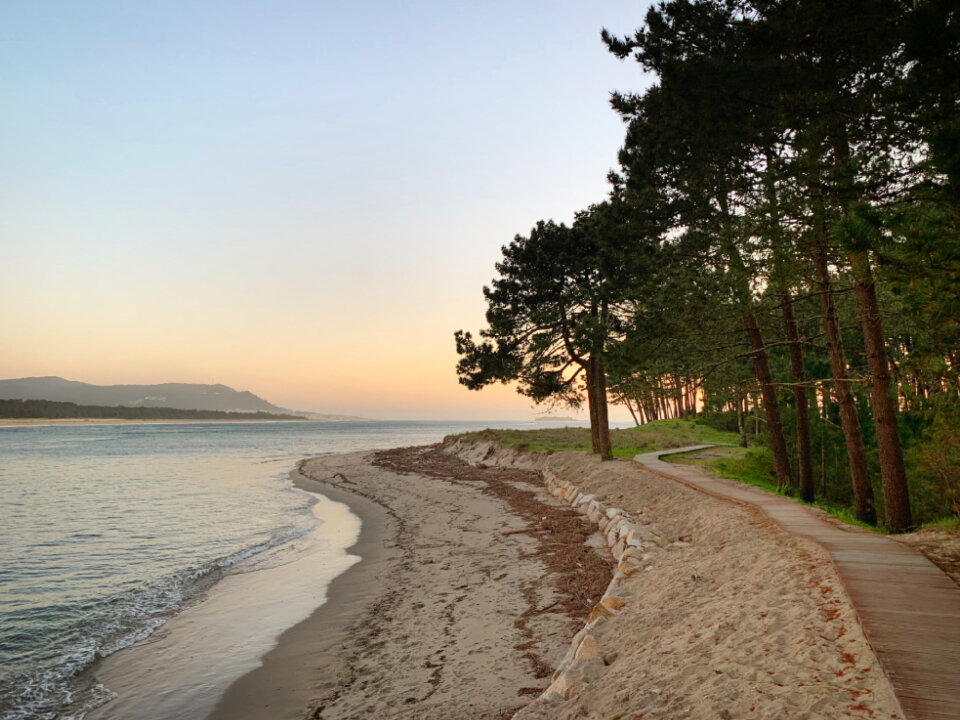
Full alignment

Floated left and right

Text wrapping around a left-floated image. A theme needs enough copy here to actually reach past the bottom of the image, otherwise the next heading will collide with the float and nobody will notice until a reader complains. On narrow viewports the float should ideally release and let the image go full width, which is the behaviour most editors expect even though core does not enforce it.
A second paragraph, still flowing beside the floated image, confirming that consecutive paragraphs share the same wrap and that the caption underneath does not push the text out of alignment.
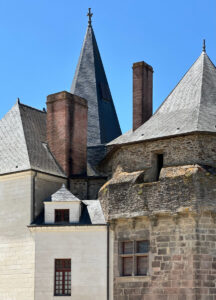
Text wrapping around a right-floated portrait image. Portrait crops are the harsher test, because the float stays in the flow far longer and any missing clearfix on the following block shows up immediately.
More copy to run past the bottom of the portrait float, so that the section that follows starts on a clean line rather than tucked into the remaining gutter beside the image.
Rounded style, centered, and linked

10. Galleries





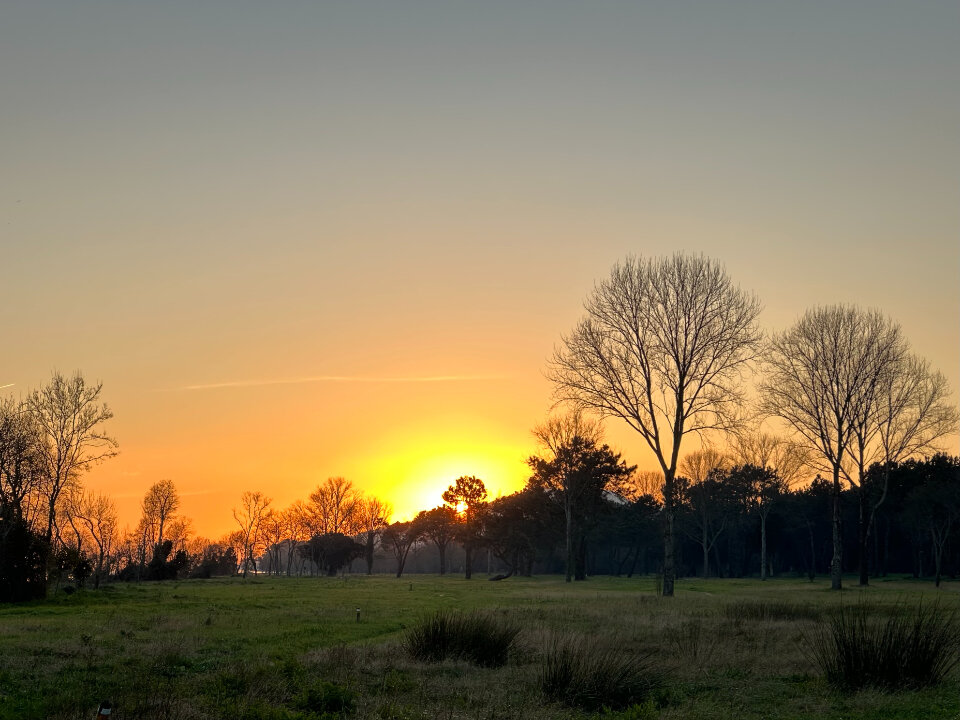
A five-image, three-column gallery — the last row is deliberately short so the orphan tile can be checked.

11. Cover

A cover block at default width
400px minimum height, 50% overlay.
Full-width cover with a fixed background
Parallax attachment, 60% dim, 500px tall, and inner blocks constrained to the content width.
A wide cover with a solid colour overlay and no image at all.
12. Media & text

Media on the left
The default arrangement: a 50/50 split that stacks on mobile. The content column can hold any blocks, including headings, lists and buttons.
Media on the right, 40% wide
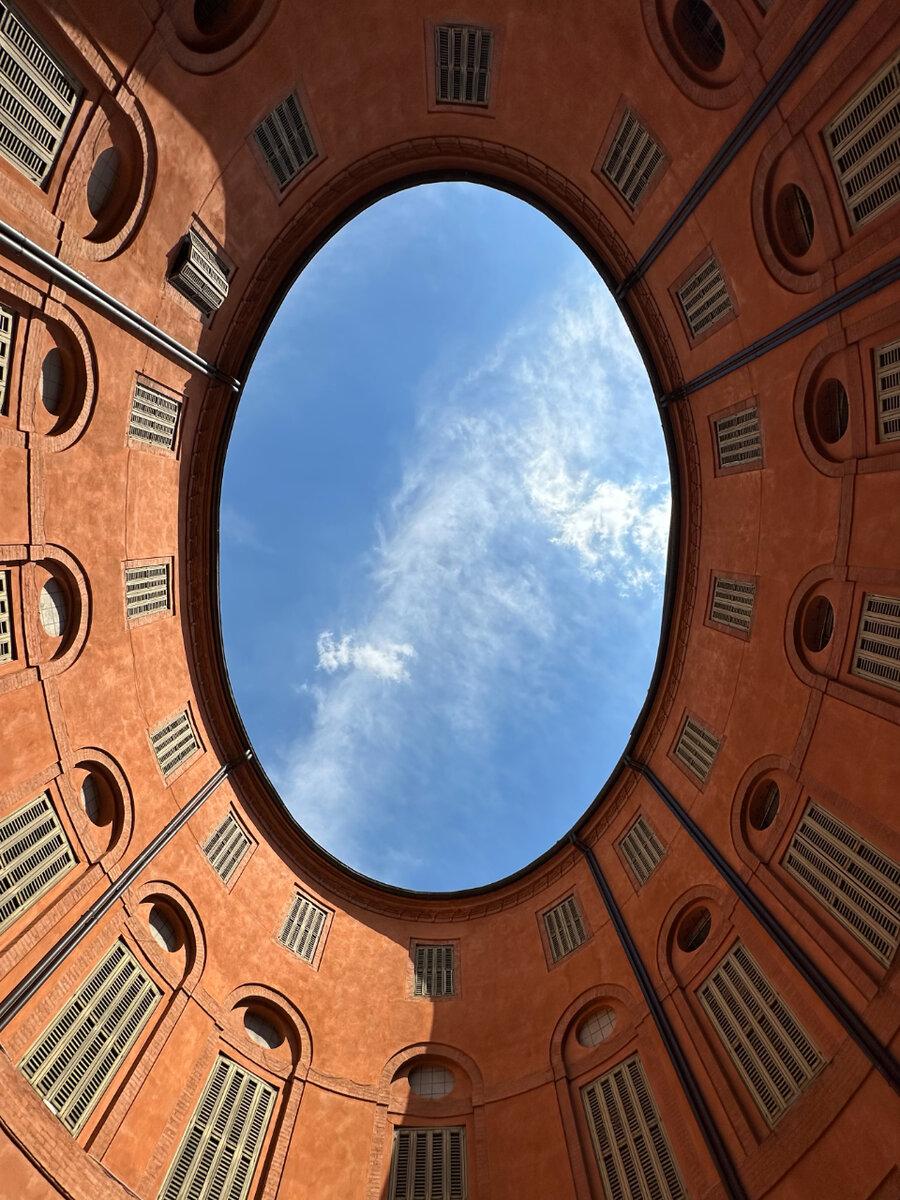
Wide alignment, a background colour, a non-default media width, and a longer body of text so that the two columns end up at different heights and the vertical alignment can be judged.
- Nested list item one
- Nested list item two
13. Columns
Column one
Two equal columns. Each column is a container in its own right, so it gets its own vertical rhythm.
Column two
This column holds more text than its neighbour so the columns finish at different heights, which is the normal case.
A second paragraph in the same column.

An image inside a narrow column.
Three wide columns at 33/33/33. The middle one carries a quote.
Nested blocks are where themes break.
Every theme reviewer
Columns nested inside a column.
Second nested column.
A 66/33 split that is explicitly set not to stack on mobile — a good check that the columns still stay readable when squeezed.
The narrow side.
14. Group, row and stack
A group with a background
Groups with backgrounds need padding of their own, otherwise the text runs into the edge of the colour. This is one of the most common theme bugs.
A full-width dark group
Full-width band with explicit padding and inverted colours. Inner blocks should still be constrained to the content width.
A row layout
Middle item
Right item
A stack layout, item one
Item two
15. Buttons
16. Embeds
17. Widget blocks
Search
Latest posts — list and grid
- The case for a slower morning
- What I spend in a month in Porto

- Thirty-one things in my kitchen

- On owning one good coat

- The two-hour rule for admin

- Why I stopped keeping a to-do list

Latest comments
Categories, archives and tag cloud
- November 2025 (2)
- September 2025 (2)
- August 2025 (2)
- May 2025 (4)
- April 2025 (1)
- March 2025 (3)
- January 2025 (1)
- December 2024 (2)
- November 2024 (1)
- September 2024 (2)
- August 2024 (1)
- July 2024 (1)
- June 2024 (2)
- April 2024 (3)
- February 2024 (1)
- January 2024 (2)
abandoning (1) albania (2) annotation (1) archives (2) arrivals (1) borders (2) buying-less (3) freelance (2) habits (3) indexing (1) islands (1) james-scott (1) kitchen (2) libraries (1) lists (1) logistics (2) money (3) nan-shepherd (1) nature-writing (2) overland (4) quiet (1) rereading (3) routine (4) serbia (1) slow-reading (2) slow-travel (3) tbr (1) trains (1) walking (2) work (3)
Page list
Calendar
Social icons
RSS
- The official WordPress Browser Extension is now available for Google Chrome and Chromium-based browsers in the Chrome Web Store and for Safari on macOS in the Mac App Store. This new open source extension lets logged-in site users easily hide the admin bar while keeping its most helpful shortcuts in the browser toolbar, provides quick […]
- WordPress 7.0.4 is now available WordPress 7.0.4 is now available which features a security fix. Because this is a security release, it is recommended that you update your sites immediately. You can update to WordPress 7.0.4 by downloading it from WordPress.org, or visiting your site’s Dashboard → Updates and clicking Update Now. Sites that support […]
- WordPress 7.0.3 is now available WordPress 7.0.3 is now available which features several security fixes. Because this is a security release, it is recommended that you update your sites immediately. You can update to WordPress 7.0.3 by downloading it from WordPress.org, or visiting your site’s Dashboard → Updates and clicking Update Now. Sites that support […]
18. Query loop
-
A quiet argument for the landline
I am not going to argue that you should get a landline. There is no landline in this flat and…
-
The case for a slower morning
For years my mornings had one job: to get me to the desk as fast as possible. Wake, phone, coffee…
-
What I spend in a month in Porto
People ask this often enough that it is easier to write it down. These are real numbers from the last…
-

Thirty-one things in my kitchen
I once tried to document every object in my kitchen and justify its existence. The project died in the drawer…
19. Miscellaneous
Custom HTML
This paragraph came from a Custom HTML block, complete with an inline border so it is obvious.
Shortcode



Footnotes
Footnotes attach to a marker in the text1 and collect at the bottom of the post, and a second reference2 proves the numbering.